
Imagine waking up to a Facebook feed that doesn't just show you photos of your cousin's dog, but actually answers your questions, drafts your replies, and even helps you plan your weekend. That’s the reality we’re stepping into as ChatGPT, developed by OpenAI, merges deeper with platforms like Facebook.
In 2026, the line between chatting with a friend and interacting with an artificial intelligence is blurring faster than ever. You might have heard rumors about OpenAI partnering directly with Meta, or perhaps you’ve seen those sleek new features in the Messenger app. But what does "ChatGPT for Facebook" actually mean for you? Is it a plugin you download, a native feature, or something else entirely?
The short answer is that while there isn’t a single button labeled "Install ChatGPT" inside Facebook, the technology behind ChatGPT is now woven into the fabric of Meta’s ecosystem through its own AI initiatives, specifically Meta AI. This means you get similar capabilities-summarizing conversations, generating creative text, and answering queries-without leaving the app.
How AI Integration Works on Facebook Today
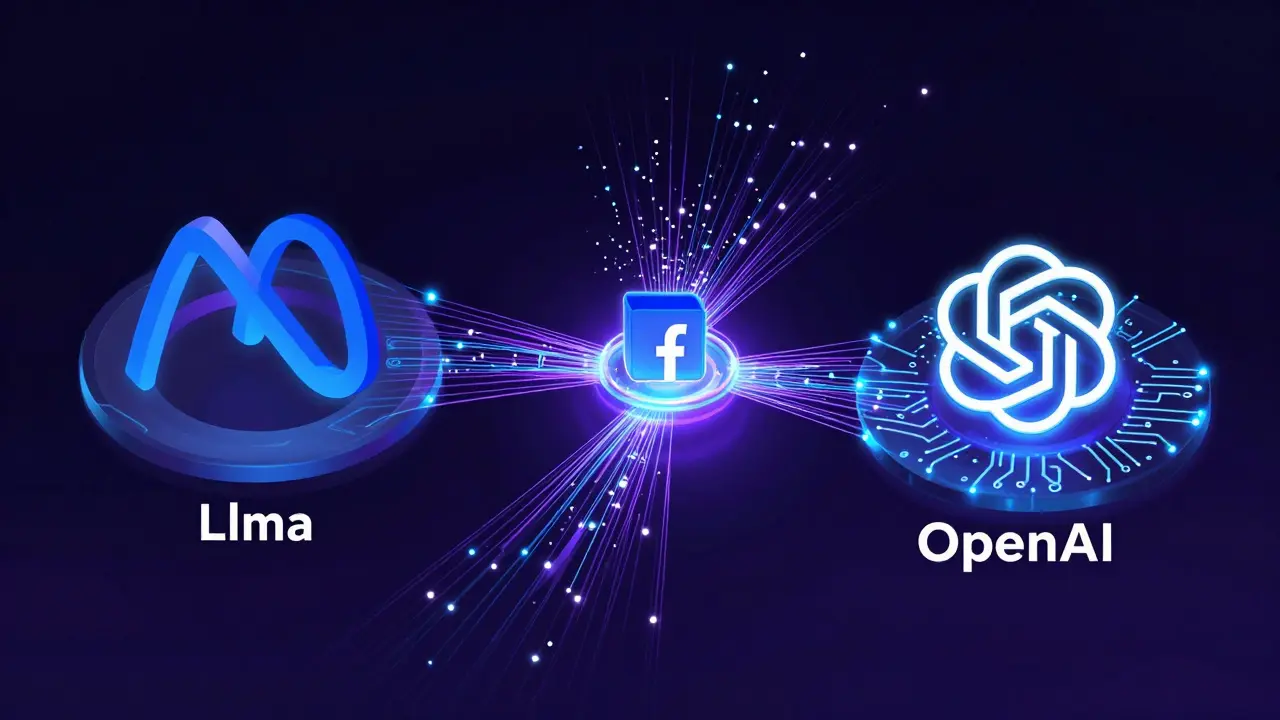
To understand how this works, we need to look at the architecture. Facebook, owned by Meta Platforms, has been aggressively integrating large language models (LLMs) into its apps. While OpenAI created the original GPT models, Meta has built its own family of models called Llama.
Here’s the key distinction that often confuses users:
- Direct API Access: Developers can use OpenAI’s API to build bots that live on Facebook Pages. These are custom tools created by third parties.
- Native Meta AI: This is the built-in assistant available in Messenger, Instagram, and WhatsApp. It uses Meta’s Llama models but offers functionality nearly identical to ChatGPT for everyday tasks.
When people ask for "ChatGPT for Facebook," they usually want the convenience of having an intelligent assistant right in their chat window. Meta AI delivers exactly that. You can type "/ai" followed by your prompt, and it will generate responses, create images, or summarize long threads instantly.
Practical Ways to Use AI in Your Facebook Workflow
Let’s get practical. How do you actually use these AI capabilities to save time or enhance your experience? Here are three real-world scenarios where this integration shines.
1. Drafting Better Responses
We’ve all been there: you receive a complex message from a client or a relative, and you stare at the blank screen, unsure of how to phrase your reply politely but firmly. With Meta AI integrated into Messenger, you can highlight the incoming message and ask the AI to "Draft a professional response acknowledging the delay." It generates a draft in seconds, which you can then tweak before sending. This reduces cognitive load and ensures your tone remains consistent.
2. Summarizing Long Group Chats
If you’re part of busy community groups or work teams on Facebook Groups, the notification overload can be exhausting. The AI feature allows you to request a summary of the last 50 messages. Instead of scrolling through hundreds of comments, you get a bulleted list of key decisions, action items, and main topics discussed. This is a game-changer for project managers and community admins who need to stay informed without spending hours reading.
3. Content Creation for Pages
For small business owners managing a Facebook Page, content creation is a bottleneck. You can use the AI assistant to brainstorm post ideas. For example, if you run a bakery, you might ask, "Give me five engaging captions for our new sourdough bread launch." The AI provides varied options, from humorous to informative, helping you maintain a regular posting schedule without writer’s block.
Setting Up Third-Party ChatGPT Bots on Facebook Pages
If you specifically need the power of OpenAI’s GPT-4o model rather than Meta’s Llama, you can still bring it to Facebook using third-party automation tools. This requires a bit more technical setup but offers greater customization.
- Choose a Middleware Platform: Services like ManyChat, Tidio, or Landbot allow you to connect external APIs to Facebook Messenger.
- Connect the API: In the middleware dashboard, you’ll input your OpenAI API key. This tells the bot to send user messages to ChatGPT and return the generated response.
- Define Triggers: Set up rules so the bot only activates when specific keywords are used. For instance, if a user types "pricing," the bot responds with a pre-approved template. If they ask a general question, it routes to the AI.
- Test Thoroughly: Before going live, test various prompts to ensure the AI stays within brand guidelines and doesn’t hallucinate false information.
This method gives you access to ChatGPT’s specific knowledge base and reasoning capabilities, which might be preferable for highly specialized customer service roles.
| Feature | Meta AI (Native) | Third-Party ChatGPT Bot |
|---|---|---|
| Setup Difficulty | None (Built-in) | Medium (Requires API & Middleware) |
| Cost | Free | Pay-per-token + Subscription |
| Underlying Model | Meta Llama 3/4 | OpenAI GPT-4o |
| Customization | Low (General purpose) | High (Brand-specific training) |
| Best For | Personal use, casual chats | Business support, complex queries |
Privacy and Data Security Concerns
Bringing AI into your social media interactions raises valid privacy questions. When you use Meta AI, your data is processed according to Meta’s privacy policy. Generally, this means your prompts may be used to improve their models, though you can often opt out of data retention in settings.
If you use a third-party ChatGPT bot, the data flow is different. Your message goes from Facebook → Middleware → OpenAI → Middleware → Facebook. Each hop introduces a potential security risk. Ensure your middleware provider is GDPR compliant and encrypts data in transit. Never share sensitive personal information like credit card numbers or passwords with any AI chatbot, regardless of the platform.
Always check the "Data Usage" section in your Facebook settings. You can review what data has been shared with apps and revoke permissions for any tools you no longer use.

The Future of AI on Social Media
We are only at the beginning of this integration. By late 2026, expect to see more proactive AI features. Imagine an AI that notices you’re planning a trip based on your posts and automatically suggests local events or restaurants via Messenger. Or an AI that translates conversations in real-time, breaking down language barriers across global friend groups.
The competition between OpenAI and Meta will likely drive these innovations forward. As both companies refine their models, the latency will decrease, and the accuracy will increase. For users, this means smoother, more natural interactions that feel less like talking to a machine and more like chatting with a helpful companion.
Troubleshooting Common Issues
Sometimes, things don’t go as planned. Here are quick fixes for common problems:
- AI Not Responding: Check your internet connection. Also, ensure your Facebook app is updated to the latest version, as AI features are rolled out incrementally.
- Inaccurate Answers: AI models can hallucinate. Always verify facts, especially for medical, legal, or financial advice. Rephrase your prompt if the first answer seems off.
- Bot Disconnects: If you’re running a third-party bot, check your API key status in the OpenAI dashboard. Expired credits or rate limits can cause failures.
Embracing AI on Facebook isn’t about replacing human connection; it’s about removing the friction that gets in the way. Whether you’re using Meta’s native tools or building a custom solution, the goal is to make your digital life easier and more efficient.
Is ChatGPT officially integrated into Facebook?
Not directly as a standalone product named "ChatGPT." However, Meta has integrated its own AI assistant, Meta AI, which uses similar large language model technology. Additionally, developers can integrate OpenAI’s ChatGPT API into Facebook Messenger bots using third-party middleware services.
Can I use ChatGPT to automate my Facebook Page responses?
Yes, by using automation platforms like ManyChat or Tidio. These tools allow you to connect your Facebook Page to the OpenAI API, enabling automated, intelligent responses to customer inquiries based on the GPT models.
Is it free to use AI features on Facebook?
Meta AI is currently free for most users. However, if you choose to build a custom ChatGPT bot for your business, you will incur costs related to the OpenAI API usage and the subscription fees for the middleware platform you select.
Does Meta AI store my conversation data?
Meta states that it may use interaction data to improve its services, but users can manage their data preferences in the app settings. It is recommended to review Meta’s Privacy Policy regularly to understand how your data is handled and to opt out of data retention if desired.
What is the difference between Meta AI and ChatGPT?
The primary difference lies in the underlying models and ownership. Meta AI is powered by Meta’s Llama models and is deeply integrated into Facebook, Instagram, and WhatsApp. ChatGPT is powered by OpenAI’s GPT models and is primarily accessed via OpenAI’s website or API, requiring third-party tools to function within Facebook.