

ChatGPT isn’t just another tool-it’s changing how brands talk to their audience on Instagram. Forget spending hours brainstorming captions or replying to DMs at 2 a.m. With ChatGPT, you can generate high-performing posts, draft personalized replies, and even predict what your followers want before they ask for it. This isn’t science fiction. It’s happening right now, and brands that ignore it are falling behind.
Why Instagram Needs AI Now More Than Ever
Instagram has over 2 billion monthly active users. That’s a lot of noise. Every brand is posting, every influencer is promoting, and every follower is scrolling past content faster than ever. The algorithm doesn’t reward volume-it rewards relevance. If your post doesn’t feel personal, it gets buried. That’s where ChatGPT steps in.
Brands using AI to tailor their messaging see 37% higher engagement rates, according to a 2025 study by Social Media Today. Why? Because ChatGPT can analyze past comments, trending hashtags, and even competitor replies to generate copy that sounds human, not robotic. It learns your brand voice. It knows if you’re playful, serious, sarcastic, or inspirational. And it doesn’t get tired.
How ChatGPT Creates Better Instagram Captions
Captions aren’t just descriptions-they’re conversations. A good caption tells a story, asks a question, or sparks emotion. ChatGPT helps you do all three.
Try this: Paste your last five top-performing posts into ChatGPT and ask, “What patterns do you see in these captions?” It might notice that your audience responds best to questions ending with “Agree?” or that emojis in the first line boost saves by 22%. Then, it can generate new captions using that same pattern-only better.
Example prompt:
- “I’m a skincare brand. My audience loves before-and-after photos. Write 5 captions for a new product launch using a casual, encouraging tone. Include a question to spark comments.”
Result? Captions that feel like they came from your community manager-not an AI.
Automating DMs Without Losing the Human Touch
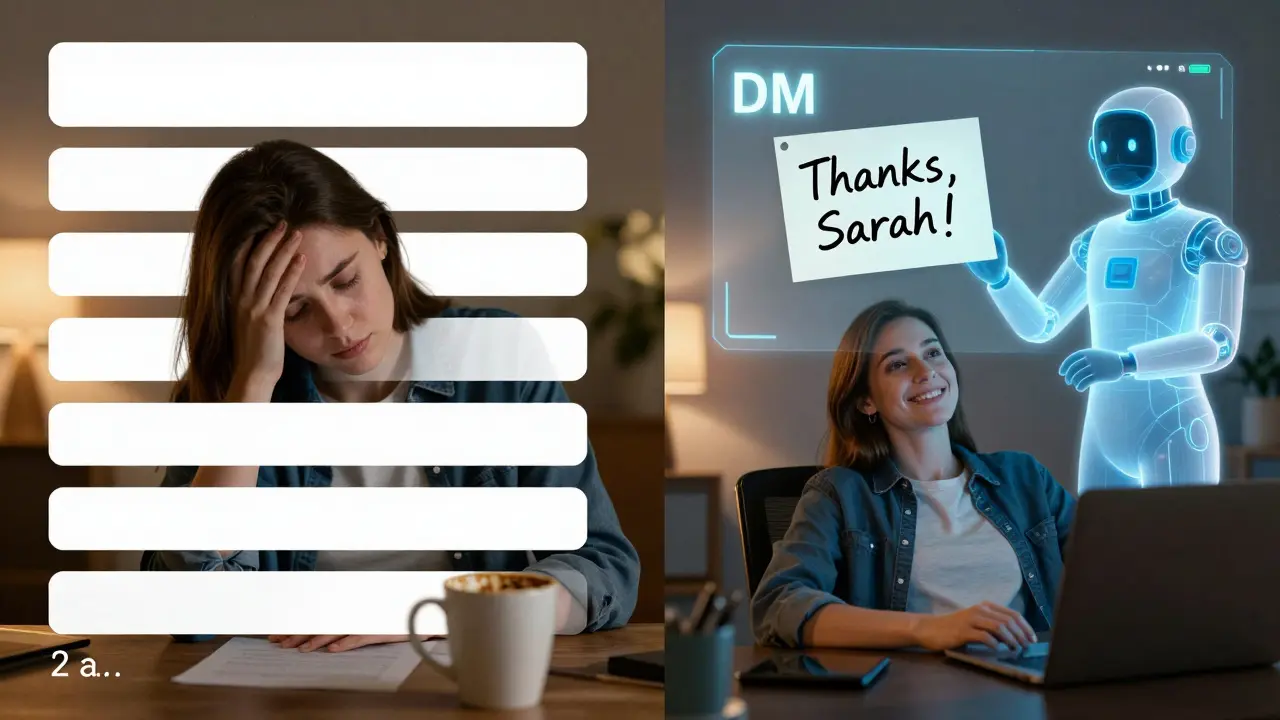
DMs are where loyalty is built. But replying to hundreds of messages a day? Impossible. ChatGPT turns that into a manageable workflow.
Set up a system where common questions get auto-replied using AI-generated responses. Think:
- “Where can I buy this?” → “You can grab it in our bio! We’re running a 24-hour launch discount-use code INSTA20.”
- “Do you ship to Canada?” → “Yes! We ship worldwide. Delivery takes 5-8 business days.”
But here’s the trick: always review the AI’s reply before sending. Add a personal line like, “Thanks for asking, Sarah!” or “So glad you love our lip balm!” That tiny human touch keeps trust high.
Brands doing this well report a 41% drop in response time and a 29% increase in repeat customers.
Generating Visual Ideas and Reels Scripts
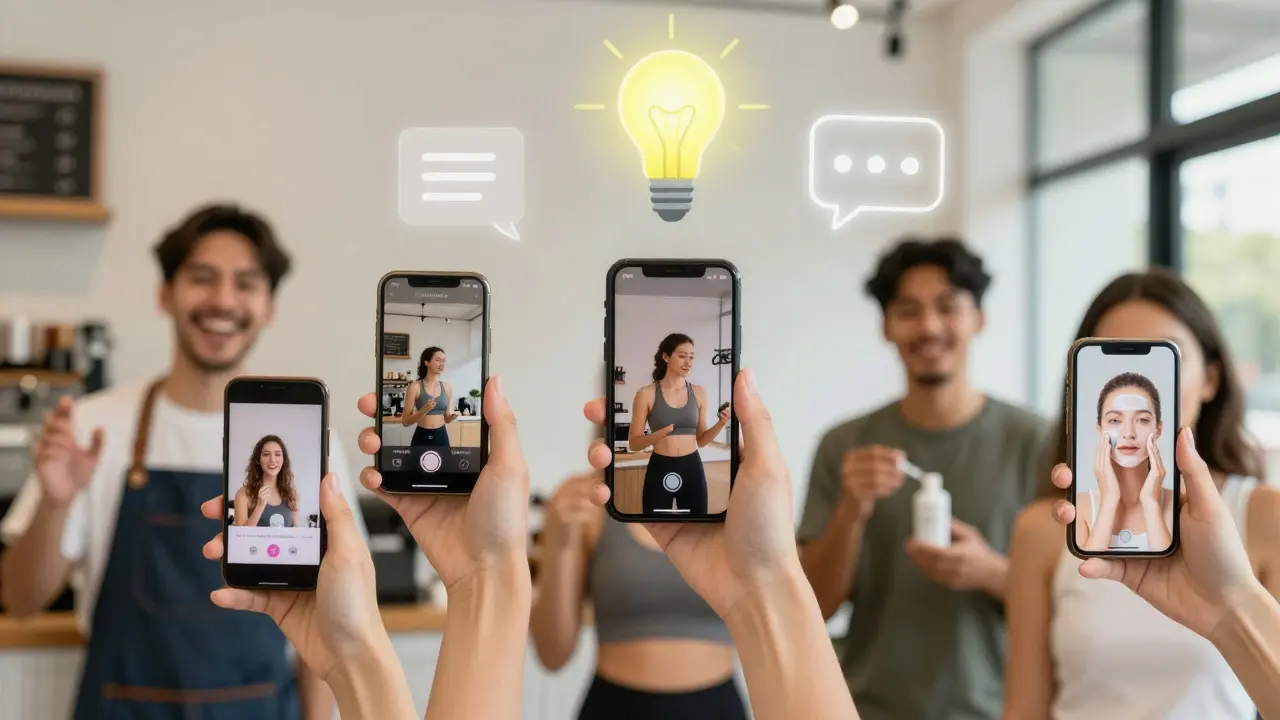
Reels are the engine of Instagram growth. But coming up with fresh ideas every week? Exhausting. ChatGPT can help you brainstorm hooks, trends, and even full scripts.
Ask it:
- “What are 5 trending audio trends on Instagram right now?”
- “Write a 15-second Reel script for a coffee shop promoting their new oat milk latte. Start with a surprise twist.”
- “Give me 3 visual concepts for a ‘day in the life’ post that feels authentic, not staged.”
One fitness brand used ChatGPT to turn customer testimonials into Reel scripts. They got 1.2 million views on one clip-because the story felt real. The AI didn’t write it. It helped them find the story hiding in their own data.
Knowing When to Pause the AI
ChatGPT isn’t perfect. It can sound generic. It might miss cultural nuance. It doesn’t know your brand’s inside jokes.
Use it as a co-pilot, not a replacement. Always:
- Read every AI-generated caption aloud. If it sounds like a robot wrote it, rewrite it.
- Test AI replies on real people before automating them.
- Never let it respond to complaints, crises, or sensitive topics without human review.
One beauty brand lost 8,000 followers after ChatGPT replied to a customer’s complaint about a product allergy with a canned “We’re sorry!” message. No apology. No solution. Just fluff. They fixed it by adding a manual approval step for all DMs.
What You Need to Start Using ChatGPT on Instagram
You don’t need a tech team. You don’t need to code. Here’s how to begin:
- Sign up for a free ChatGPT account (OpenAI or Microsoft Copilot).
- Save your brand voice: Write 3 sentences that sound like your brand. Paste them into ChatGPT and say, “Use this tone for all future replies.”
- Start small: Pick one task-captions, DMs, or Reel ideas-and automate it for one week.
- Track results: Compare engagement before and after.
- Scale: Once it works, add more tasks.
Brands that started with just one AI task saw measurable growth in 14 days. Some doubled their follower growth. Others cut content creation time in half.
The Real Edge: AI + Authenticity
The most successful Instagram accounts aren’t the ones with the most posts. They’re the ones that make people feel seen. ChatGPT doesn’t replace that. It gives you more time to do it.
Imagine this: You spend 30 minutes a day using ChatGPT to draft posts and replies. You save 4 hours a week. That’s 16 hours a month. What could you do with that time? Maybe call five loyal customers. Maybe film a real behind-the-scenes video. Maybe just rest.
That’s the future. Not more content. Better connection.
Can ChatGPT write Instagram captions that sound human?
Yes-but only if you guide it. ChatGPT can mimic your brand’s tone if you give it examples of your past posts. The key is to review every caption before posting. Add personal phrases like “Thanks for asking!” or “We love this one too.” That small human touch makes all the difference.
Is using ChatGPT for Instagram DMs safe?
It’s safe if you set rules. Never let AI respond to complaints, refunds, or emotional messages without human approval. Use it for FAQs like shipping times, product info, or order status. Always add a personal name or emoji to replies. Brands that combine AI with human oversight see higher trust and fewer backlash incidents.
Does ChatGPT help with Instagram Reels?
Absolutely. You can ask ChatGPT to generate Reel scripts based on trending sounds, customer stories, or product features. It can suggest hooks like “You won’t believe what happened next” or “This one trick saved me 3 hours a week.” But always film the Reel yourself. The AI gives you the idea. You bring the authenticity.
How much time can I save using ChatGPT for Instagram?
Most brands save 10-15 hours a month. That’s 3-4 hours a week. If you’re spending time writing captions, replying to DMs, or brainstorming Reels, ChatGPT can cut that time in half. The biggest time-saver? Not having to stare at a blank screen wondering what to say next.
Will Instagram ban me for using ChatGPT?
No. Instagram doesn’t ban AI use. They ban spam, fake engagement, and misleading content. If you use ChatGPT to create real, thoughtful, and honest posts that connect with people, you’re perfectly fine. Just don’t use it to buy followers, fake comments, or mass-post identical content. That’s what gets flagged-not AI itself.